
About this app
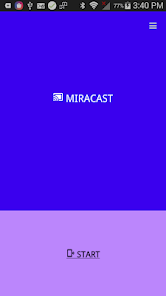
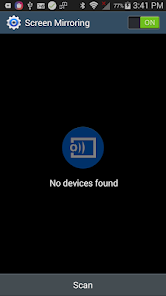
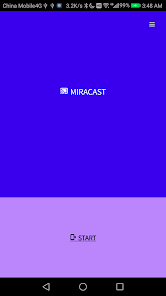
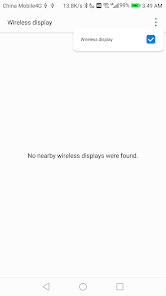
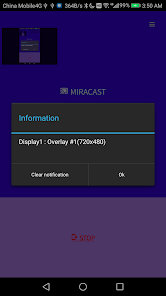
Miracast App will help you cast android device screen to TV screen by Wireless display device such as Smart TV or Wireless display dongle. App run perfect on most of the devices, We tested on SamSung , Huawei , XiaoMi , Vivo , Oppo , HTC and Sony phone. Notice: some devices don't support cast screen and may be this app will don't working, app only support android from 4.2 and above. (ex. Samsung Galaxy J1/J3/J5/J7) Features: Enable the hidden miracast menu. Cast android screen to TV screen (Smart TV must support Wireless Display / Miracast). Find devices support show screen cast in current wifi network. How to use this App? 1. Check your TV whether it supports Wireless Display / Miracast. 2. Your device and TV must connect same Wifi network (Not wire LAN). 3. Click "START" button on app and choose TV. 4. Click "STOP" button on app to stop mirroring. ***Unsupported list*** Galaxy S Advance (GT-I9070) Samsung Galaxy S II Samsung Galaxy Tab 3 10.1” Samsung Galaxy J1/J3/J5/J7(All version)
Data safety
Safety starts with understanding how developers collect and share your data. Data privacy and security practices may vary based on your use, region, and age.
Ratings and reviews
What's new
Bug fixes and performance improvements for a better user experience.